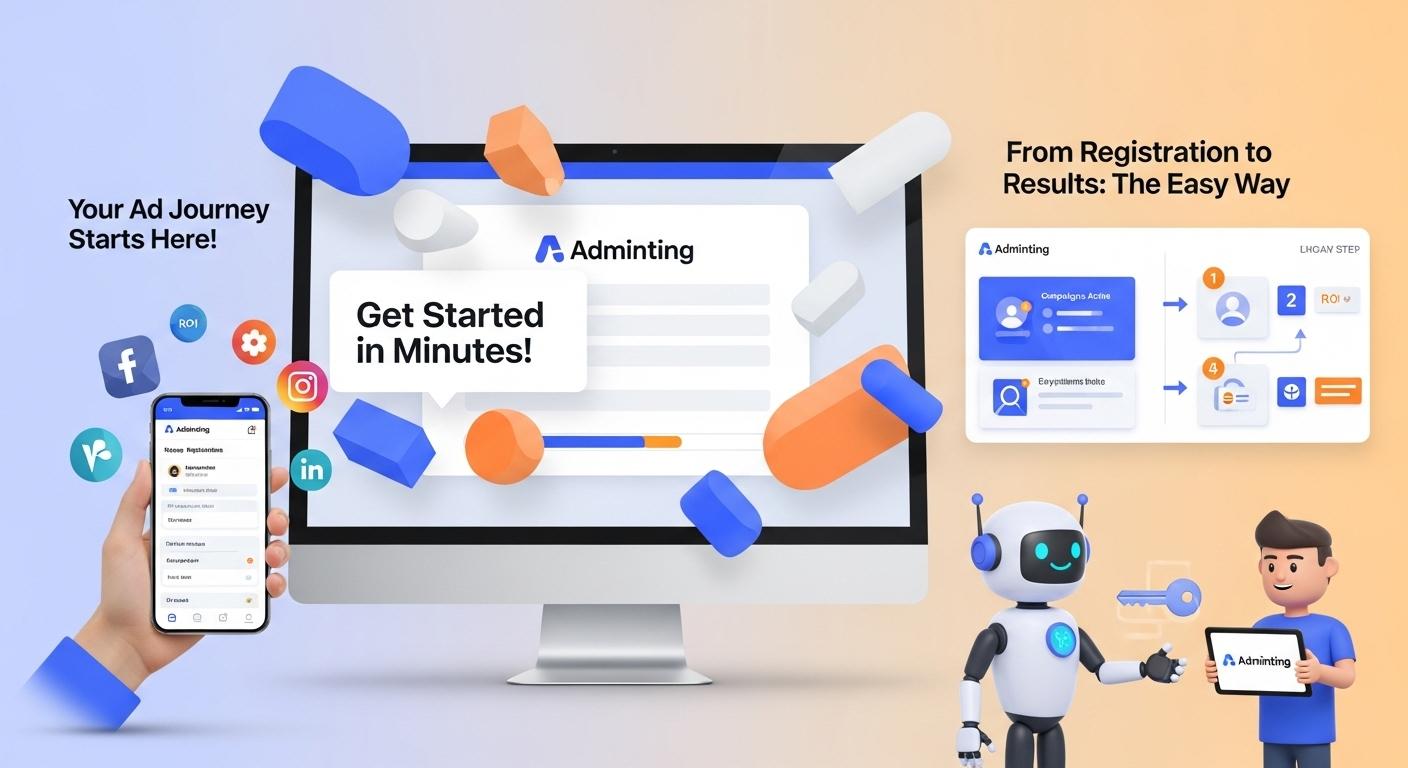
Adminting Advertiser Registration: A Step-by-Step Guide
Getting Started: Navigating to Adminting
Embarking on your advertising journey with Adminting begins with a straightforward registration process. This step-by-step guide will walk you through accessing the platform and setting up your Advertiser account, ensuring a smooth start to creating and managing your campaigns.
Step 1: Access the Adminting Platform
To initiate your registration, open your web browser and navigate to the official Adminting website: adminting.com.
Step 2: Begin Your Registration
Once on the Adminting homepage, locate the "Sign in" button positioned in the top right corner of the page and click it. You will be redirected to the login interface. As a new user, you'll need to create an account, so proceed by clicking on "Sign up."
Choosing Your Path: Registering as an Advertiser
When you initiate the sign-up process on Adminting, you will be presented with two distinct role options. Choosing the correct path is crucial for aligning your account with your objectives on the platform.
- Advertiser: This role is designed for businesses or individuals who intend to develop ad campaigns and promote their products or services through the platform.
- Promoter: This role is for users who wish to generate income by promoting advertisements created by Advertisers.
For the purpose of creating and managing your own advertising campaigns, select the "Advertiser" role to proceed with your registration. This choice ensures you gain access to the tools and features necessary for launching and optimizing your promotional efforts.
Filling Out Your Profile: Essential Details for Advertisers
Setting up your Advertiser profile correctly is crucial for launching successful campaigns on the platform. After selecting your role, you will be prompted to fill out your personal and company information. Carefully enter the required details:
- First Name: Your given name.
- Last Name: Your family name.
- Company Name: The legal name of your business or organization (if applicable).
- Username: A unique identifier for your account on the platform.
- Work Email: An active email address associated with your professional activities; this will be used for account verification and communication.
- Password: Create a strong, secure password for your account.
- Confirm Password: Re-enter your chosen password to ensure accuracy.
It is crucial to review and accept the Terms & Conditions and Privacy Policy by checking the designated box. These legal documents outline your rights and responsibilities as an Adminting user. Once all fields are accurately completed and the terms accepted, click the "Submit" button to proceed with your registration.
Activating Your Account: The Verification Process
To finalize your registration and begin utilizing Adminting's features, account verification via email is an essential step. This process ensures the security of your account and grants you full access to the platform.
Step 1: Verify Your Account via Email
Upon successful submission of your details, a verification email will be dispatched to the work email address you provided during registration. Access your inbox, locate this email from Adminting, and click on the verification link contained within. This action is essential to confirm and activate your Adminting account. If you do not see the email, please check your spam or junk folder.
Welcome to Your Advertiser Dashboard: Your Next Steps
Congratulations on successfully registering and verifying your account! Your journey to impactful advertising begins now. Following successful email verification, you will be automatically redirected to your personalized Advertiser dashboard. This is your central hub within Adminting, from which you can commence creating compelling ad campaigns, monitoring their performance, and leveraging valuable insights to optimize and expand your advertising reach.
From your Advertiser Dashboard, you can immediately begin to:
- Create Campaigns: Design and launch new advertising initiatives tailored to your marketing objectives.
- Manage Existing Campaigns: Monitor performance, make adjustments, and optimize your live ads.
- Access Insights: Dive into comprehensive analytics and reports to understand your campaign effectiveness and make data-driven decisions.
Your dashboard provides all the tools necessary to grow your advertising efforts and achieve your marketing goals. Take a moment to familiarize yourself with its layout and features; your next successful campaign is just a few clicks away.