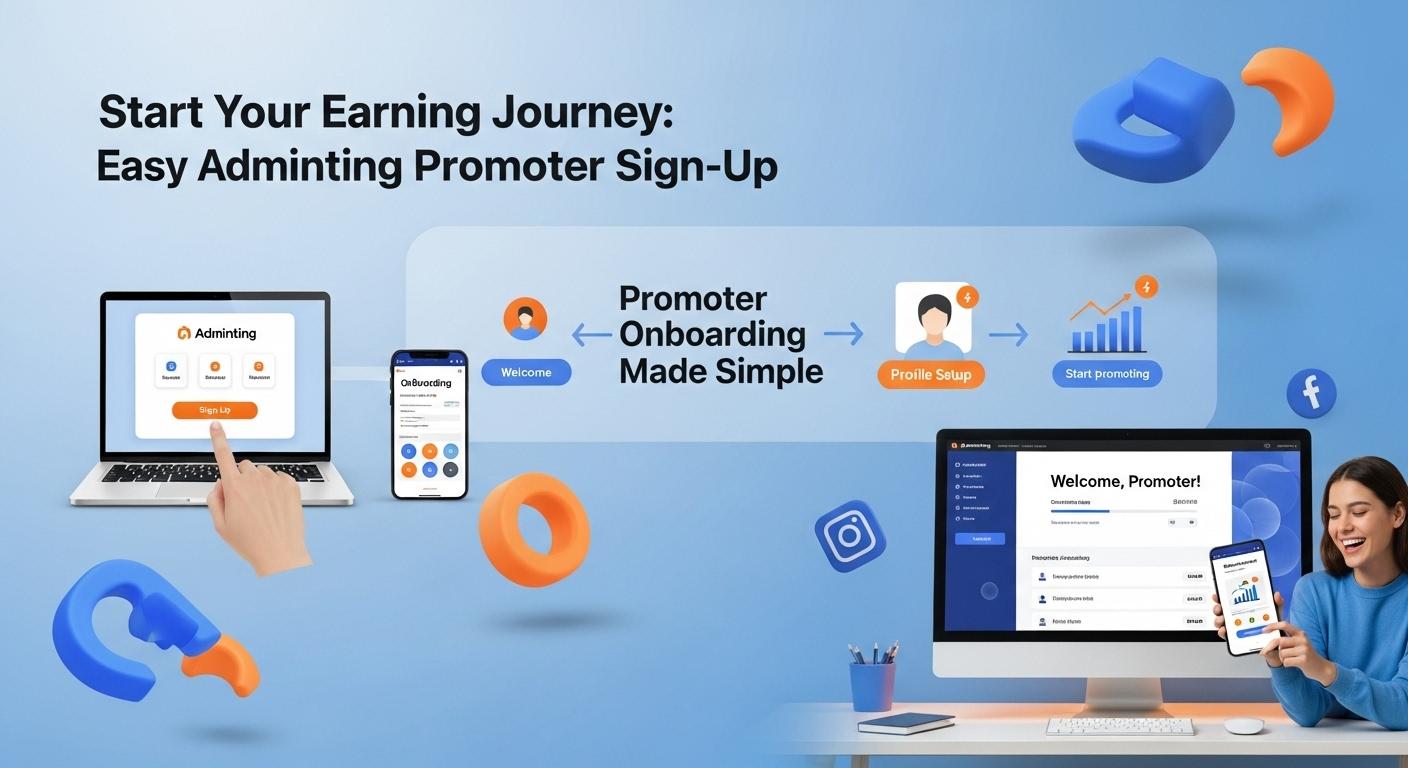
Adminting Promoter: Your Step-by-Step Sign Up And Onboarding Guide

Kingsley Onuoha
September 15, 2025
Introduction to Becoming an Adminting Promoter
Adminting.com offers an exciting platform for individuals eager to promote diverse products and services. As an Adminting promoter, you gain access to a world of collaboration opportunities. This comprehensive guide will walk you through the straightforward sign-up and onboarding process, ensuring a smooth start to your promotional journey.
Your Step-by-Step Guide to Signing Up
Beginning your role as an Adminting promoter starts with creating your personal account. Follow these detailed steps to establish your presence:
- Navigate to Adminting.com: Open your web browser and go directly to adminting.com.
- Access the Sign In Page: Locate and click the "Sign In" button, typically in the top right corner of the homepage.
- Initiate Account Creation: On the login page, click the "Sign Up" option to begin registration.
- Select Promoter Role: Choose "Promoter" from the two account types presented ("Advertiser" and "Promoter").
- Complete Registration Details: Carefully fill in all mandatory personal information in the form. Click "Sign Up" when done.
- Verify Your Email: Check your email inbox for a verification link from Adminting. Click this link to confirm and activate your account.
Effortless Onboarding: Completing Your Promoter Profile
Upon successful account creation and email verification, you will be automatically guided to the dedicated promoter onboarding page. This phase is vital for setting up your profile and showcasing your capabilities.
- Provide Personal Information: On the "Personal Info" tab, accurately enter your active phone number and current geographical location. This aids Adminting in connecting you with relevant opportunities.
- Enter Social Media Details: Fill in details of your active social media handles and accurately specify follower counts for each platform. This data is critical for advertisers to understand your potential reach.
For a comprehensive visual guide that illustrates both the initial sign-up and subsequent onboarding processes, please refer to this tutorial video [Source: YouTube - Adminting Promoter Sign-Up and Onboarding].
Congratulations! Accessing Your Promoter Dashboard
After submitting your onboarding information, your account will undergo a brief internal verification. Once this quick process is complete, your promoter account will be fully activated, and you will be automatically redirected to your personalized Adminting Promoter Dashboard. This dashboard serves as your central hub to explore available campaigns, track performance, and access essential tools to thrive as an Adminting promoter.
Sources
- YouTube - Adminting Promoter Sign-Up and Onboarding