How To Share Campaigns On Adminting As A Promoter

Kingsley Onuoha
September 18, 2025
Welcome to Adminting: Your Journey as a Promoter Starts Here!
Welcome to Adminting, the innovative platform designed to simplify online advertising and maximize your earning potential. We are delighted to have you join our growing community of promoters! This friendly guide will walk you through the essential steps to get started, helping you confidently share campaigns and transform your online influence into tangible rewards.
How to Share Campaigns on Adminting as a Promoter | Step-by-Step Tutorial
Ready to embark on your journey? Follow these straightforward steps to begin your experience as an Adminting promoter:
- Step 1: Log In to Your Account
Your first action is to access your promoter dashboard. Simply visit adminting.com and log in using your credentials. This dashboard serves as your central command center for managing all your promotion activities. - Step 2: Explore the Marketplace
Once logged in, navigate to the Marketplace from your dashboard. Here, you will discover a diverse array of active campaigns from various advertisers. Consider it your personal storefront, brimming with opportunities tailored for your audience! - Step 3: Select Your Ideal Campaign
Browse through the available campaigns and identify those that resonate with your interests or perfectly align with your audience's preferences. Choosing campaigns that fit your niche will significantly enhance your chances of success and engagement. - Step 4: Review Campaign Details
Before committing, click on any campaign that captures your attention to view its comprehensive details. This section provides crucial information such as ad creatives, specific campaign objectives, and, most importantly, the payout terms. Ensure the campaign goals and potential rewards meet your expectations. - Step 5: Initiate Promotion
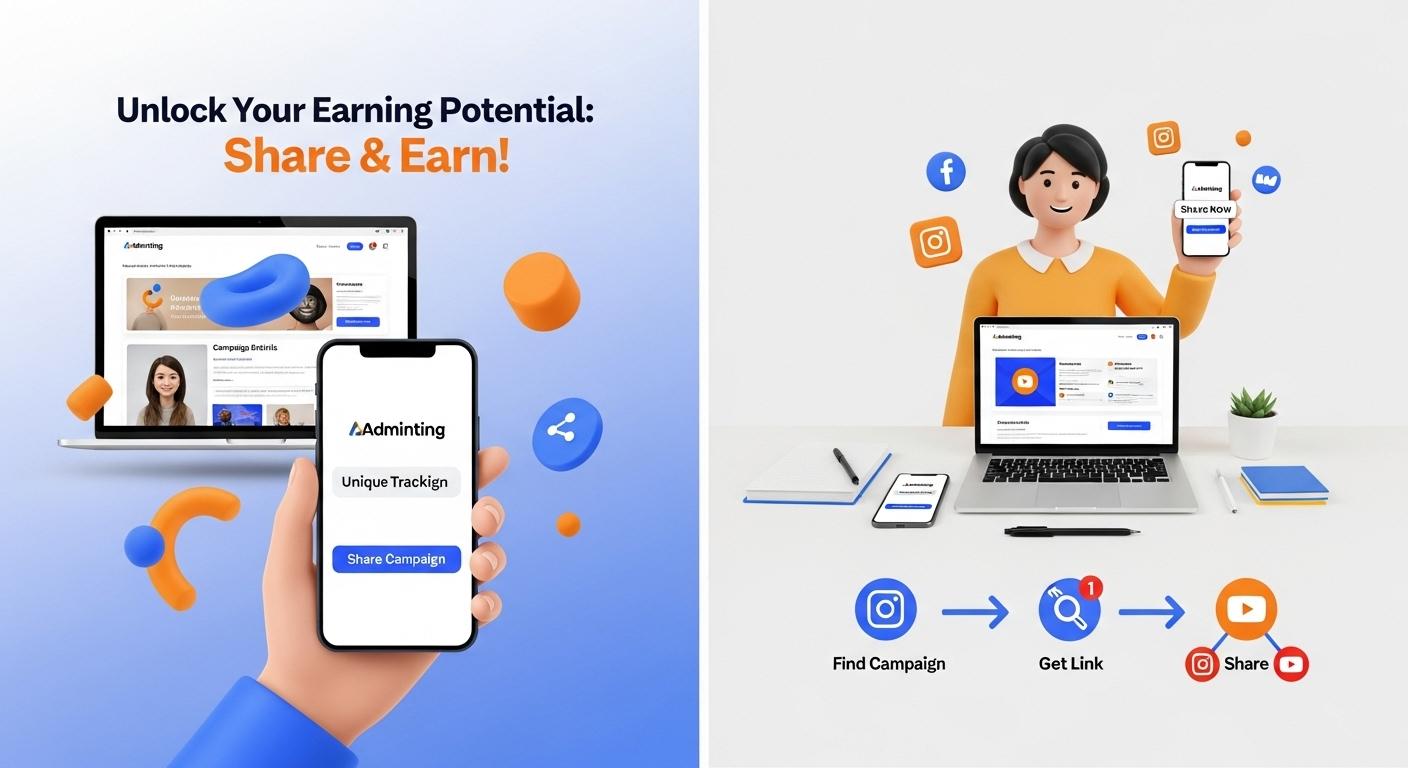
If you are enthusiastic about a campaign, click the Promote button. You will instantly receive a unique tracking link, which is fundamental for us to accurately monitor your efforts and attribute your earnings. Alternatively, you might have the option to share directly to your connected social media channels for seamless distribution. - Step 6: Share and Engage Your Audience
Now for the exciting part! Share your unique campaign link or direct social posts with your audience. Actively encourage engagement through clicks, views, or conversions, depending on the campaign's specific goals. The more effectively you share, the greater your impact and potential earnings. - Step 7: Watch Your Earnings Grow
As your audience interacts with the campaigns you've shared, you will begin to earn based on the value you deliver. Adminting ensures transparent tracking, allowing you to monitor your progress and watch your earnings accumulate with clarity.
It's truly that straightforward! With Adminting, sharing campaigns is an easy and rewarding process. Select campaigns that speak to you, share them with your engaged audience, and enjoy watching your earnings grow.
This tutorial video provides a visual walkthrough on how to share campaigns on Adminting as a promoter.